Why Monero, specifically
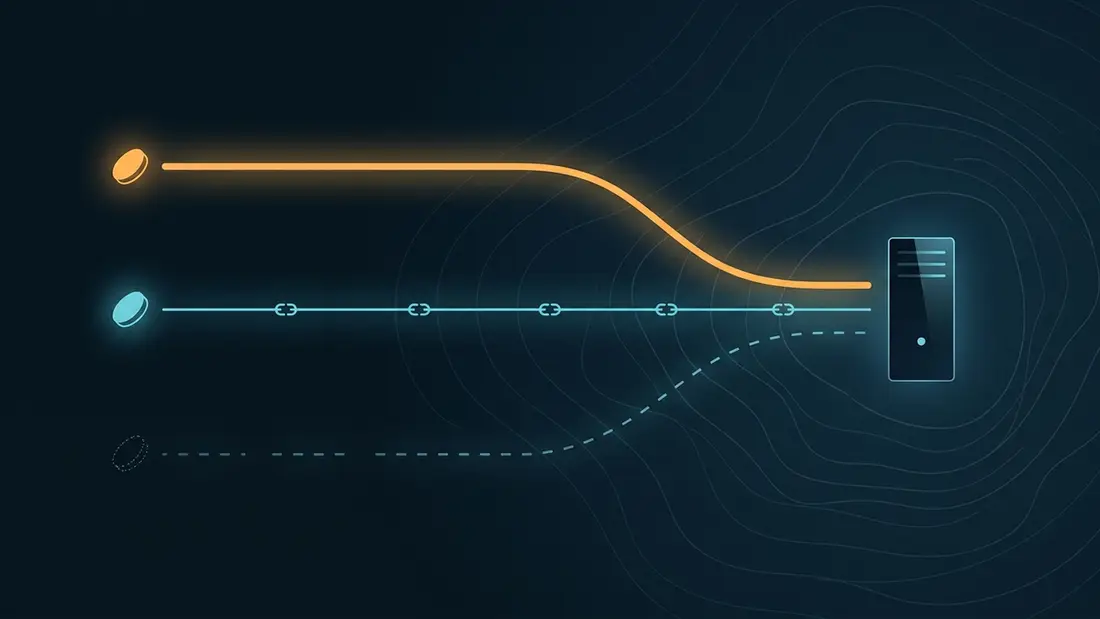
Monero is the only widely supported payment rail where privacy is the default rather than an opt-in. Ring signatures hide which output is being spent, stealth addresses hide the recipient, and RingCT hides the amount. Nothing about a Monero payment is published for analysts to graph later.
Contrast Bitcoin: every transaction is permanent public record. Chain-analysis firms cluster addresses, tag them with exchange KYC data, and sell the resulting graph. That matters more for hosting than for a one-off purchase, because server bills recur — and a recurring payment to the same merchant is exactly the pattern a transparent chain exposes best. One Bitcoin payment is a data point; twelve monthly ones are a signature.
There is a fungibility dividend too. Transparent coins develop histories — outputs that touched a sanctioned address or a flagged mixer get treated as tainted by exchanges and processors, sometimes years later. Monero has no readable history to taint, so every coin spends like every other. For a payment you may want to top up again next quarter, that predictability is worth as much as the privacy.
That is why XMR is first-class here: it is listed first on the top-up screen next to BTC, among the 7 cryptocurrencies we accept. If you hold something else, the privacy ladder guide explains what each rail leaks and why swapping into Monero before paying is usually worth the extra step.
SP·02Pick a wallet and a node
Use a wallet whose binaries you can verify. The reference GUI and CLI wallets from getmonero.org are the conservative pick; Feather is a lighter desktop wallet with sane Tor defaults and built-in node selection. Mobile wallets work for pocket money, but for sums you would mind losing, prefer a desktop wallet whose signature you have actually checked against the published signing key before first run — supply-chain swaps of wallet downloads are a real, recurring attack.
Every wallet needs a node to talk to, and the choice matters more than beginners assume. Running your own — a pruned node is fine and needs a fraction of the full chain's disk — is the strongest option: no third party learns which transactions your wallet cares about, when you are online, or what you rescan. If you use a remote node instead, its operator sees your IP address and your wallet's queries; an adversarial node can also feed you a degraded view of the network. Pick a node you have some reason to trust, and route the connection through Tor regardless, so the operator at least cannot place you geographically.
SP·03Getting XMR without an exchange account
Acquiring Monero without identity checks is easier than most people assume, and the options are maturing rather than shrinking:
- No-KYC swap services convert BTC, stablecoins or other coins into XMR in minutes against published rates. No account, no documents — you send coin A, you receive coin B at your address.
- Peer-to-peer venues such as Haveno and Bisq match buyers and sellers directly, settle with multisig escrow, and support fiat payment routes. Slower than a swap, but with no custodian in the middle at any point.
- Mining remains the zero-counterparty entry: RandomX is CPU-friendly by design, so ordinary hardware produces small but genuinely clean coins.
If a KYC exchange is genuinely your only practical entry point, use it deliberately: buy, withdraw to your own wallet, and accept that the exchange knows you bought Monero and how much. Ring signatures prevent it from following what you do with the coins afterwards — which is precisely the property Bitcoin lacks, and the reason the acquisition tag matters far less here than on a transparent chain.
SP·04Wallet hygiene and the churning question
A few habits cover most of the attack surface:
- Keep a dedicated wallet (or at least a dedicated account inside one) for infrastructure spending, separate from savings.
- Use a fresh subaddress per counterparty when receiving, and verify the first and last characters of any address you paste — clipboard-replacing malware targets crypto users specifically.
- If you depend on a remote node, point the wallet at it through Tor, e.g.
monero-wallet-cli --proxy 127.0.0.1:9050 --daemon-address yournode.onion:18081.
On churning — sending funds to yourself to weaken heuristic links: with RingCT live for years, the protocol already hides amounts and decoys every spend, so the benefit is marginal for typical use. Where it still earns its keep is right after a KYC acquisition, to put distance between the tagged withdrawal and the spend. One or two self-transfers with irregular delays is plenty; a rigid ten-hop ritual on a schedule creates its own timing fingerprint. Do not cargo-cult it.
SP·05How checkout works here: balance, not invoices
ServPrivacy does not invoice servers individually. You create an account — a handle (any pseudonym) and a password are the entire form, there is no email field — and you are issued eight one-time recovery codes. Save them offline; they are the only way back into the account if the password is lost.
You then top up a prepaid USD balance with crypto, anywhere between $30.00 and $5,000.00 per top-up. Pick XMR, and the invoice shows a deposit address, the exact XMR amount and a countdown. After network confirmations the balance is credited; larger top-ups earn bonus credit on the published ladder (see the FAQ for the schedule).
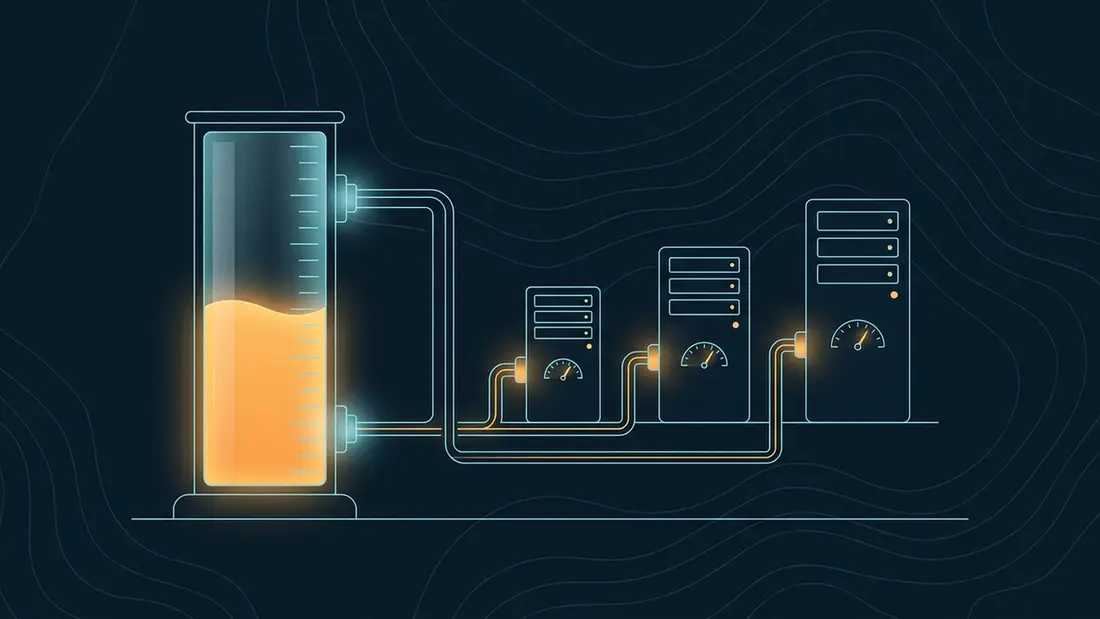
From that point on, servers are paid by debiting the balance. Buying a VPS, adding an IP, renewing for six months — none of it creates a new on-chain event. One Monero transaction can fund a year of infrastructure, which is the whole privacy argument for the model; the billing guide walks through it in detail.
SP·06Send the payment correctly
The invoice expects the exact amount shown, with the network fee paid on top — in monero-wallet-cli that is simply transfer ADDRESS AMOUNT, since fees are deducted from your remaining balance, not from the transfer. Default fee priority confirms fine; there is no need to pay for priority unless the network is unusually busy.
Two mistakes account for most support tickets. First, paying straight from an exchange: exchange withdrawals are batched, can arrive late or in odd shapes, and stamp the payment with your verified identity's withdrawal timing. Withdraw to your own wallet first, then pay from there. Second, racing the countdown: if the timer is nearly out, reset the invoice from the payment page and send against the fresh one rather than gambling on propagation.
If something still goes sideways — a transaction broadcast just after expiry, a mistyped amount — open a ticket from the panel with the transaction ID. Payments that miss automatic matching are reconciled manually.
SP·07After the credit: deploy and stay clean
With balance on the account, pick a plan on the VPS page, choose one of the 6 jurisdictions, an OS image and a term, and pay from balance. The instance is online in about 15 min, with root credentials delivered to your panel.
First login is the moment to lock things down: generate a key with ssh-keygen -t ed25519, install it, and disable password authentication in sshd_config. On the account side, enable TOTP and confirm your recovery codes are stored somewhere offline.
What we hold about you afterwards is short and enumerated on the no-KYC policy page: the handle, an argon2id password hash, the balance and its ledger, order specifications, and access logs rotated at 14 days. If you reach the panel over Tor or a VPN consistently, even those logs hold nothing worth having.
SP·08Step by step
-
01
Install a Monero wallet
Download the official GUI/CLI wallet or Feather, verify the binary signature against the published signing key, and either sync your own pruned node or point the wallet at a remote node through Tor.
-
02
Acquire XMR without KYC
Use a no-KYC swap service, a peer-to-peer venue such as Haveno or Bisq, or mine. If you must buy on a KYC exchange, withdraw to your own wallet before doing anything else.
-
03
Create a ServPrivacy handle
Register with any pseudonym and a password of 12+ characters — there is no email field. Download the eight recovery codes when they are shown; they appear exactly once.
-
04
Start a top-up
In the panel, open Top up, enter an amount between $30.00 and $5,000.00, and select XMR. The invoice shows a deposit address, the exact amount and a countdown.
-
05
Send the exact amount
Pay from your own wallet, not directly from an exchange. Verify the address ends, send the amount shown with the network fee on top, and stay inside the countdown.
-
06
Wait for confirmations
The payment page polls on its own — no need to refresh. After network confirmations the USD balance is credited, plus any bonus your top-up qualifies for.
-
07
Deploy from balance
Pick a plan, jurisdiction, OS and term, and pay from balance. The VPS is online in about 15 min; harden SSH with key-only auth as your first act on the box.